Manage DocuDesk settings
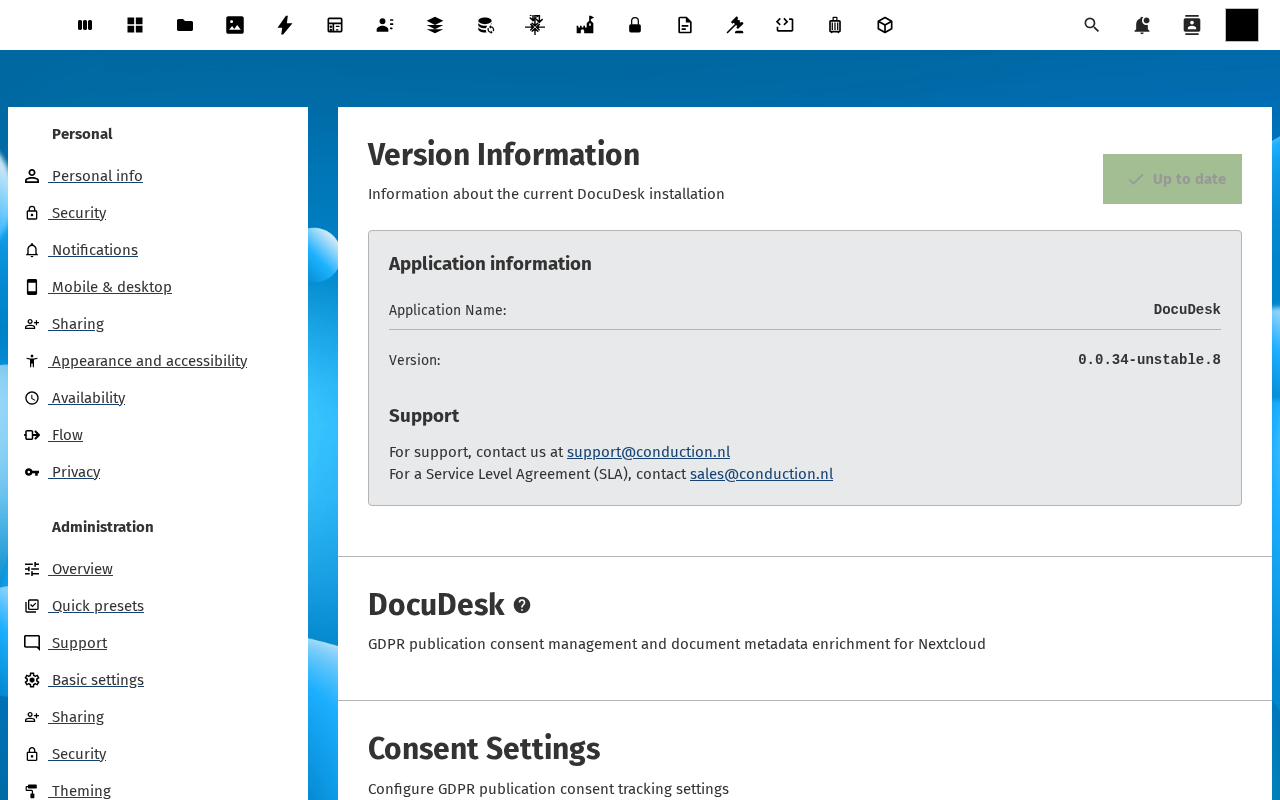
The DocuDesk admin settings panel lives under Nextcloud Settings → Administration → DocuDesk. It is the single place where an instance admin wires DocuDesk up to the rest of the world: the OpenRegister registers it stores data in, the external services it depends on (Presidio for anonymisation, the signing provider), the retention policies users can pick from, and the notification channels used for consent and signing.
Goal
By the end you will have inspected each section of the admin panel, re-imported the DocuDesk register configuration, and verified all configured services are healthy.
Prerequisites
- You are an administrator on the Nextcloud instance.
- The OpenRegister app is installed and enabled.
Steps
-
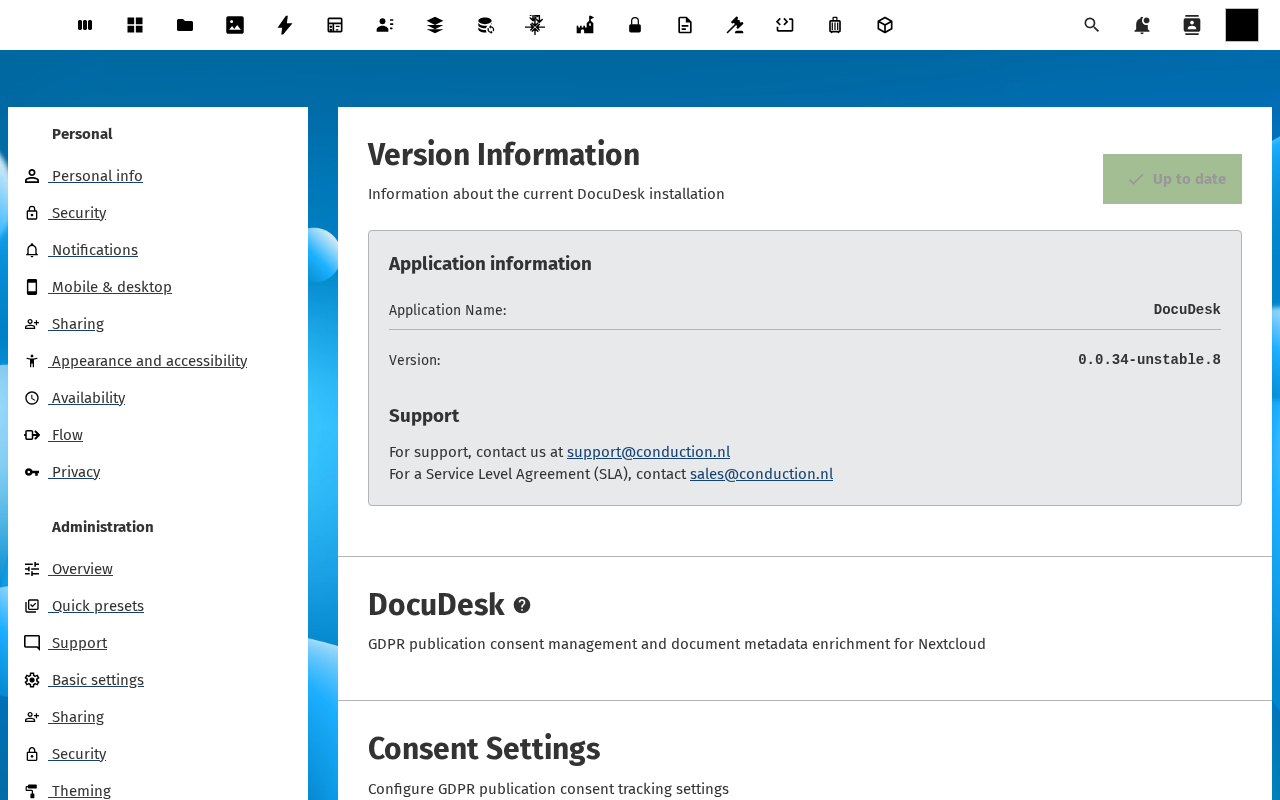
From the avatar menu, click Administration settings, then DocuDesk in the sidebar. The settings panel opens at the Registers section.
-
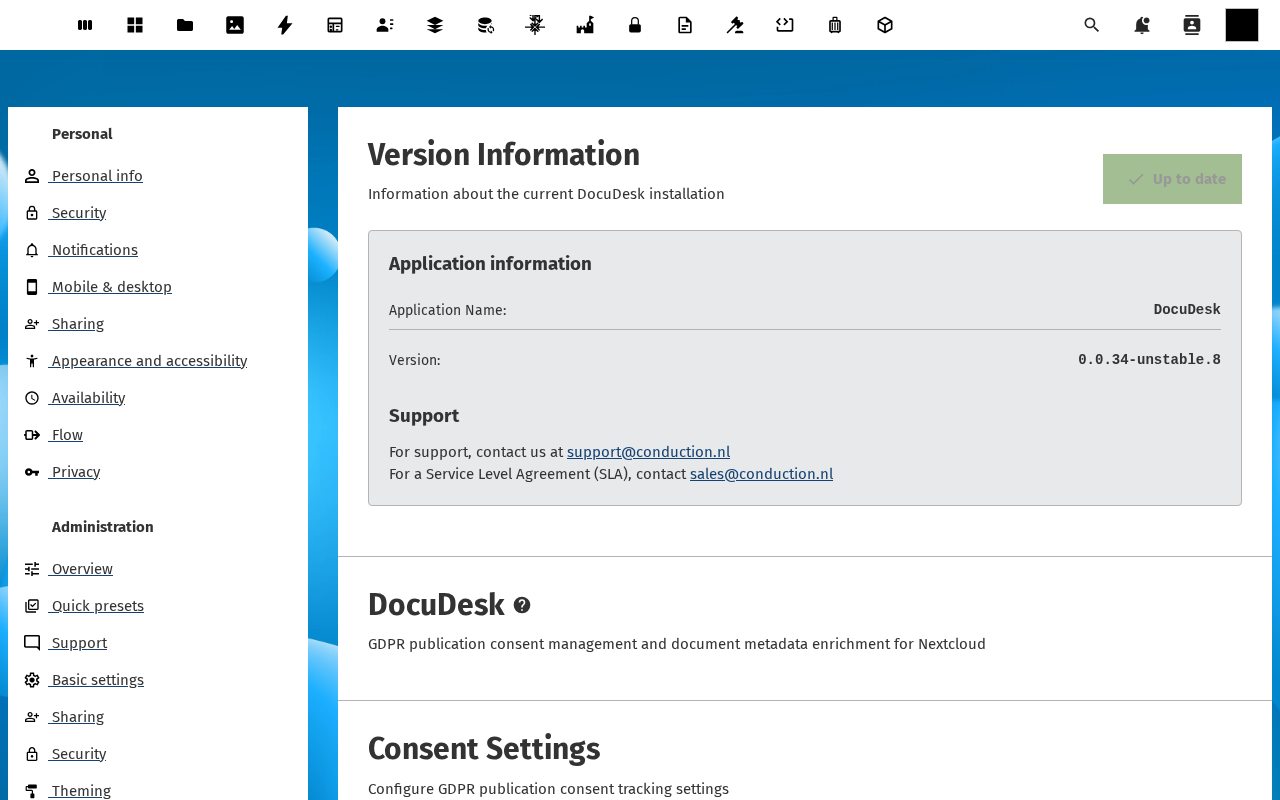
Under Registers, confirm each DocuDesk register (Documents, Templates, Consents, SigningRequests, RetentionPolicies) is linked to the right OpenRegister register + schema. On a fresh install click Re-import configuration to load the canonical mapping shipped with the app.
-
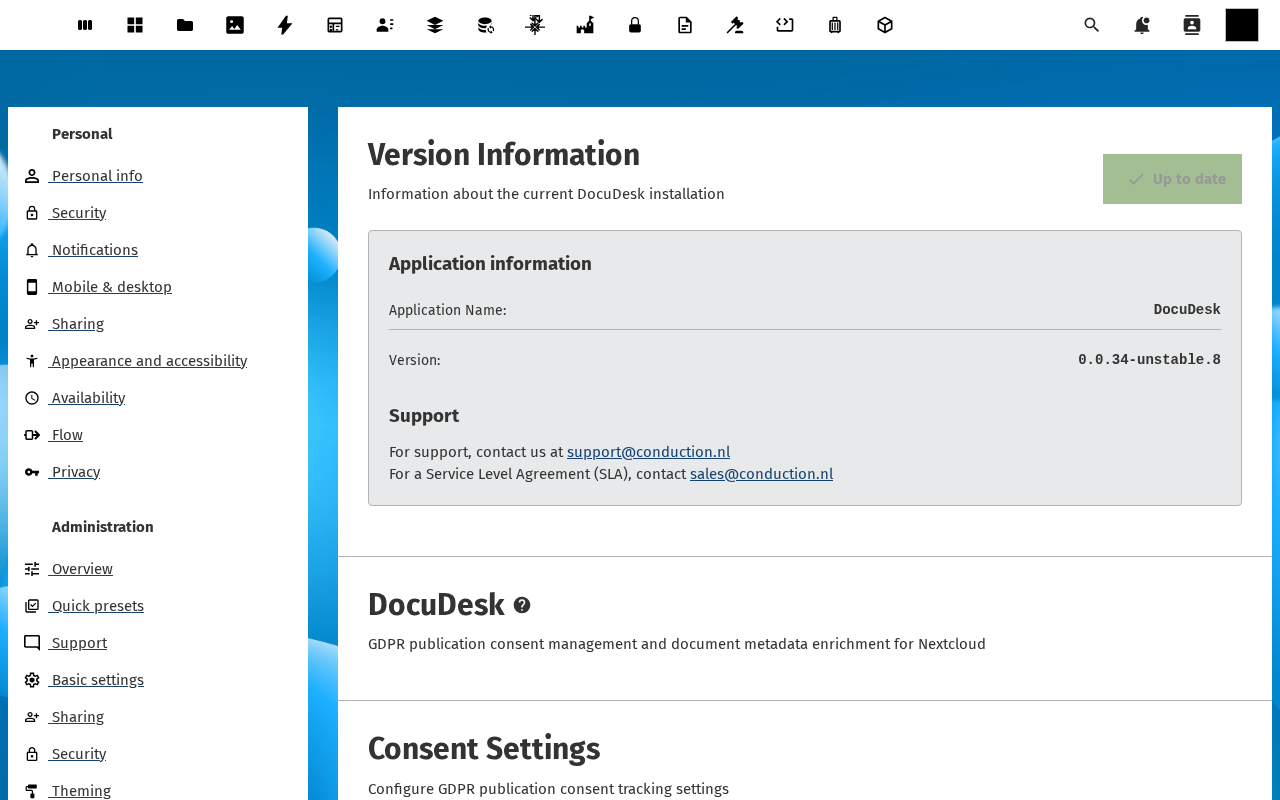
Switch to Services. Each external dependency (Presidio, signing provider, metadata-enrichment service) has a Status row showing the configured URL, the last health-check result and a Test connection button. Click each one and confirm the result is Reachable.
-
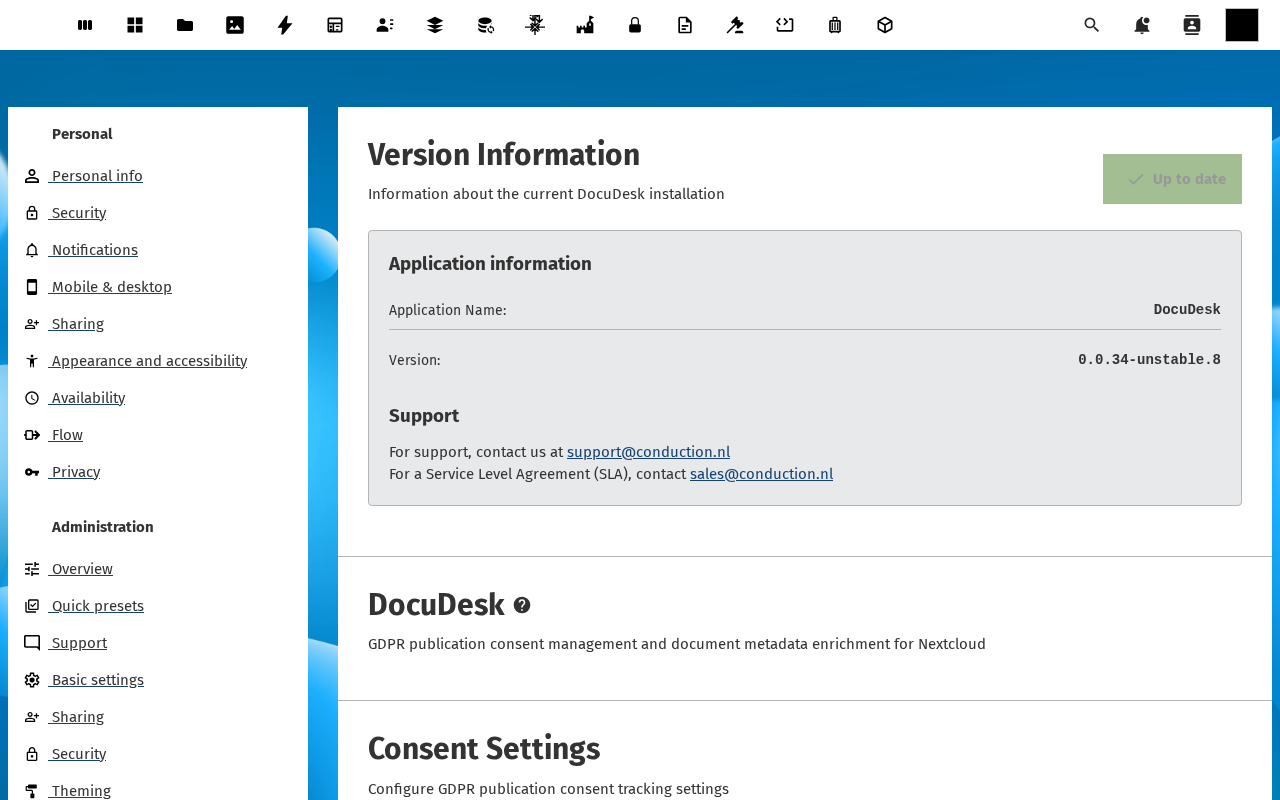
Switch to Retention policies. Add or edit the policies that DocuDesk users can pick from (see Apply a retention policy for the user-facing flow). Set duration, expiration action and description.
-
Switch to Notifications. Confirm the notification templates used by the consent and signing flows are configured (subject, body, channel). Send a test notification to your own email to verify.
Verification
You are done when: every register row shows a green check, every service shows Reachable, at least one retention policy exists, and a test notification successfully arrives in your inbox.
Common issues
| Symptom | Fix |
|---|---|
| Re-import configuration fails with "register not found" | OpenRegister isn't enabled or the user running the import doesn't have the App admin role. Enable / grant and retry. |
| Service Test connection hangs for >30s | The instance can't reach the service's host — usually a firewall/VPN/DNS issue between the Nextcloud container and the service. Confirm reachability via curl from the Nextcloud host. |
| Test notification sends but never arrives | The Nextcloud mail server isn't configured (or SMTP is intentionally disabled in this environment — n8n handles outbound mail). Re-test via the n8n bridge if that's your setup. |
Reference
- Admin settings feature — full reference.
- Document register feature — what each DocuDesk register stores.