Anonymization Pipeline
Overview
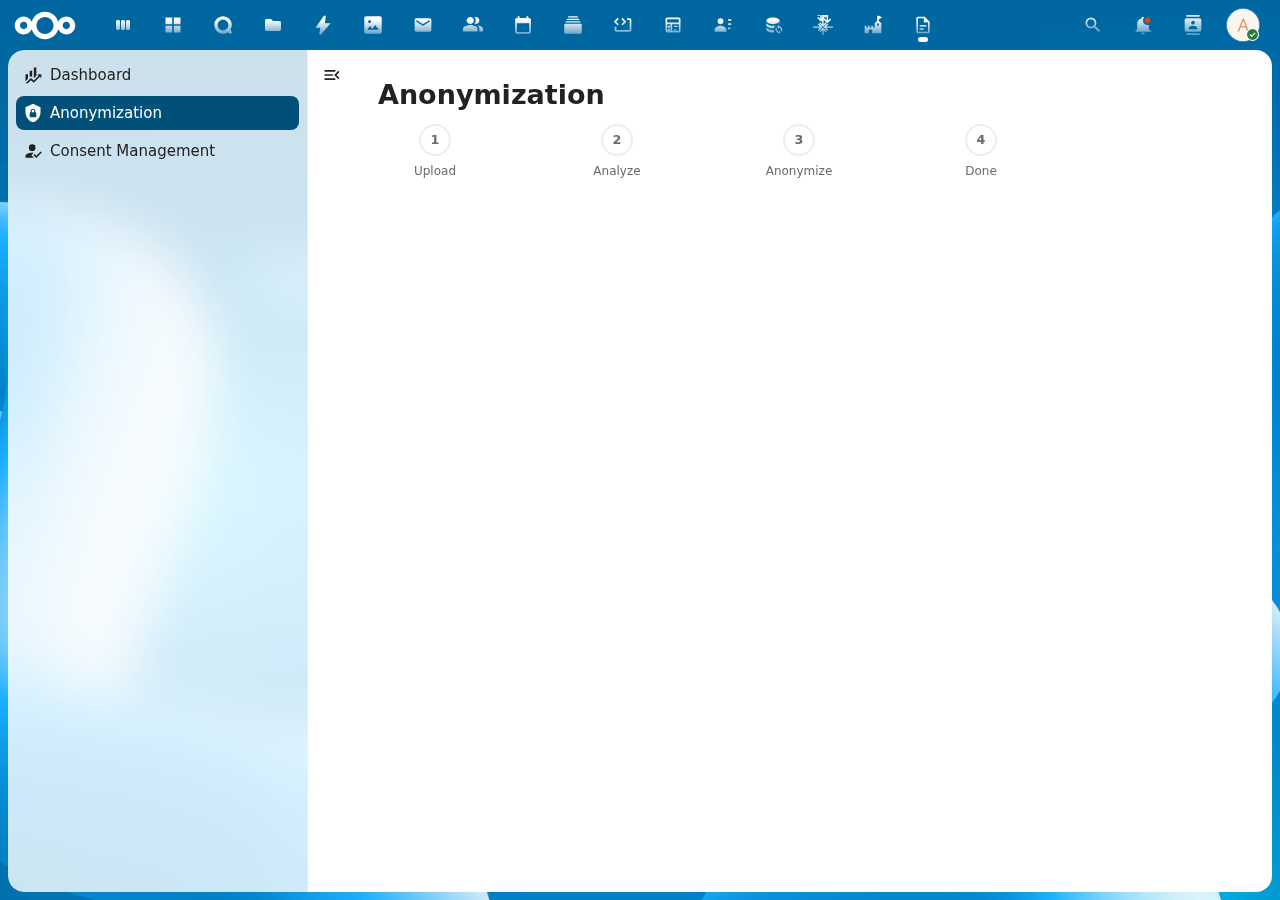
DocuDesk provides a 4-step document anonymization pipeline for GDPR-compliant processing. Files are uploaded to a per-user DocuDesk folder, analyzed for personally identifiable information (PII), and anonymized by replacing detected entities with placeholders. All processing runs 100% locally.
Pipeline Steps
- Upload: Drag-and-drop or select a file to upload to your DocuDesk/ folder
- Analyze: Extract text and detect entities (persons, organizations, locations, etc.)
- Anonymize: Review detected entities and anonymize the document
- Done: Download the anonymized document
Screenshot
API Endpoints
| Method | URL | Description |
|---|---|---|
| GET | /api/anonymization/files | List processed files with entity counts |
| POST | /api/anonymization/upload | Upload file (multipart form data) |
| POST | /api/anonymization/extract/{fileId} | Extract text and detect entities |
| POST | /api/anonymization/anonymize/{fileId} | Anonymize document |
Per-Entity Legal Bases (grondslagen)
Legal bases for detected entities are set per-relation via OpenRegister's own
PATCH /api/entity-relations/{id} endpoint, not via DocuDesk's anonymise
payload. DocuDesk does not accept, forward, or persist a bases[] field on
anonymise requests.
Any stray bases field that appears on an incoming entity entry is silently
ignored — DocuDesk returns HTTP 200 and the field is dropped. This preserves
backwards-compatibility with any caller that was built against an older contract.
To attach bases to a detected entity:
- Call DocuDesk's extract endpoint to obtain the entity key.
- PATCH the corresponding
EntityRelationrow on OpenRegister with{bases: ["uuid-of-woo-art5-grondslag", ...]}. - Call DocuDesk's anonymise endpoint as normal (no
basesfield needed).
Prohibition Match on Extract Response
The extract endpoint now includes a prohibitionMatch field per detected entity. This allows the frontend to render prohibition state without re-running the matcher client-side.
{
  "entities": [
    {
      "type": "PERSON",
      "value": "Jan Janssen",
      "confidence": 0.96,
      "prohibitionMatch": {
        "ruleId": "rule-uuid",
        "ruleName": "Beschermde Getuige A",
        "highConfidence": true
      }
    }
  ]
}
prohibitionMatchisnullwhen no publication-prohibition rule matches the entity.highConfidenceistruewhenconfidence >= threshold(inclusive); threshold defaults to 0.85 and is configurable viadocudesk.prohibition.high_confidence_threshold.- Requires
PolicyMatchServicefromanonymisation-prohibition-gate; returnsnullfor all entities when that service is not yet installed.
CHANGELOG
Added
prohibitionMatchfield on each entity in the extract endpoint response:nullwhen no rule matches, or{ ruleId, ruleName, highConfidence }when matched.- Stray
bases[]field on anonymise payload entities is now silently ignored (do NOT 400) to preserve backwards-compatibility with older callers. Bases are set via OR's PATCH endpoint instead.
appendBasisSummary flag
An optional per-call boolean flag appendBasisSummary (default false) can be
set on the per-document and batch anonymize endpoints.
| Mode | Effect |
|---|---|
outputFormat: "pdf" (default) | The grondslagen summary is appended as an extra page to the anonymised PDF. |
outputFormat: "preserve" | A separate <original-base>_anonymized_grondslagen.pdf is written alongside the anonymised native-format file. The response gains summaryFileId and summaryFilePath fields. |
Opt-in mechanics
Send appendBasisSummary: true in the request body. The flag applies to every
file when used on the batch endpoint. Files with no EntityRelation.bases data
still receive a summary page with ⟨geen grondslag vastgelegd⟩ placeholders.
Warning shape on failure
If the summary rendering fails (e.g. the rendering service is unavailable), the
anonymised file is always preserved and HTTP 200 is returned. The response
body gains a warning field:
{
  "warning": {
    "code": "SUMMARY_APPEND_FAILED",
    "message": "Basis summary could not be appended. The anonymised file is preserved."
  }
}
Pre-change clients that do not send appendBasisSummary see no behaviour change
and no new fields.
See also: docs/features/grondslagen-summary.md (rendering details).
Technical Details
- Files stored in Nextcloud filesystem under user's
DocuDesk/folder - Entity detection via OpenRegister's TextExtractionService (Presidio/OpenAnonymiser)
- Anonymization via OpenRegister's FileService
- Duplicate file names handled with counter suffix (e.g.,
report_1.pdf)
Output format (PDF by default)
Since the anonymise-output-as-pdf-by-default change, the anonymise endpoints produce PDF/A-3b output by default. PDF flattens the redaction into a glyph stream and strips most metadata channels that would otherwise still name the original entities — making the anonymisation harder to revert by editing the file.
Per-call override: outputFormat
The POST /api/anonymization/anonymize/{fileId} and POST /api/anonymization/batchAnonymize/{batchId} endpoints accept an optional top-level outputFormat field:
| Value | Behaviour |
|---|---|
"pdf" (default) | The anonymised intermediate is converted to PDF via the conversion cascade (see below) before being written to Nextcloud Files. |
"preserve" | The anonymised file is written in its native input format (DOCX in → DOCX out, etc.). Legacy behaviour. |
If outputFormat is supplied but is not "pdf" or "preserve", the endpoint returns HTTP 400.
Tenant default
The tenant-wide default is configurable via the Anonymisation → Always export anonymised documents as PDF switch in the admin settings panel. The underlying IAppConfig key is docudesk.anonymisation.default_output_format (values: "pdf" | "preserve", default "pdf"). A per-call outputFormat always overrides the tenant default.
Conversion cascade
When outputFormat === "pdf" and the anonymised file isn't already a PDF, the PdfConversionService walks an ordered list of backends. First success wins; total failure aggregates into an HTTP 422 response with the per-backend attempt records.
OfficeAppBackend— uses Nextcloud'sOCP\Files\Conversion\IConversionManager(NC 31+). Collabora, OnlyOffice, and Euro Office integrations register as conversion providers under this single API; the backend dispatches to whichever app is installed and configured. Highest fidelity for Word-family documents.PhpWordBackend— in-process. Reads DOC (MsDoc), DOCX (Word2007), ODT (ODText), RTF, and HTML viaPhpOffice\PhpWord; emits PDF/A-3b via the PdfWriter (mPDF-backed). Lower fidelity than a real Office engine but covers all Word-family formats without external dependencies.MpdfBackend— in-process. Handles HTML and plain-text directly via mPDF, reusing the print-preview PDF/A-3b configuration. TXT inputs are wrapped in a minimal<pre>envelope to preserve whitespace.EmlBackend— currently stubbed. Activates once OpenRegister addsmessage/rfc822text extraction; until then, EML inputs inpdfmode fall through to 422.
Spreadsheet (XLSX, ODS, CSV with layout) and presentation (PPTX, ODP) formats are out of scope for the in-process tiers. They rely on the OfficeAppBackend route only — without a configured Office app, those inputs return 422.
HTTP 422 body shape
When conversion fails for every backend, the response body documents which were tried and why:
{
  "error": "Conversion to PDF failed; anonymisation rolled back.",
  "conversionAttempts": [
    {"name": "office_app", "available": false, "supports": false, "reason": "backend disabled or prerequisites not present"},
    {"name": "phpword",    "available": true,  "supports": false, "reason": "backend does not support MIME application/vnd.ms-excel / extension xls"},
    {"name": "mpdf",       "available": true,  "supports": false, "reason": "backend does not support MIME application/vnd.ms-excel / extension xls"},
    {"name": "eml",        "available": false, "supports": false, "reason": "backend disabled or prerequisites not present"}
  ],
  "outputFormat": "pdf",
  "fallback": "Set outputFormat to \"preserve\" to bypass conversion if you must keep the native format."
}
The un-converted anonymised intermediate is best-effort deleted before the 422 response is returned. The operator never sees a half-finished mixed-format result.
Batch path
batchAnonymize accepts the same outputFormat. Per-file conversion failure is recorded as an error on that file's batch entry (with a conversionAttempts array) and the batch continues with the next file rather than aborting.
API Endpoints (extended)
| Method | URL | Description |
|---|---|---|
| POST | /api/anonymization/anonymize/{fileId} | Anonymise a single file. Body supports entities, outputFormat, appendBasisSummary, excludeTypes, minConfidence. |
| POST | /api/anonymization/batchAnonymize/{batchId} | Anonymise every file in a batch. Body supports entities, outputFormat, appendBasisSummary. |
Source ↔ anonymised file link (anonymizationLink)
Every successful anonymisation run records a durable mapping between the
original (source) file and its anonymised counterpart as an anonymizationLink
object in the document register, so the relationship can be resolved in both
directions via OpenRegister's search API without re-running analysis.
- Idempotent on
sourceFileId: one record per source file; re-anonymisation updates that record (preserving its@self) and incrementsrunCount. - Success only: failed runs are not recorded;
statusis alwaysanonymized. - Best-effort: a persistence failure is logged at
warningand never aborts the anonymisation response. On success the response carriesanonymizationLinkId.
sourceFileId and anonymizedFileId are facetable, enabling:
# Forward — anonymised file for a given source
GET /apps/openregister/api/objects/document/anonymizationLink?sourceFileId=<NC_FILE_ID>
# Reverse — source file for a given anonymised file
GET /apps/openregister/api/objects/document/anonymizationLink?anonymizedFileId=<NC_FILE_ID>